
Start with the animal
Record age, stage, size, roles, equipment and prior learning.
Programmes, trainers and campaign progress
From first commands to specialist roles, prepare a fictional animal’s training. Compare programmes and trainers, review the requirements, and keep a schedule and progress record for your campaign.
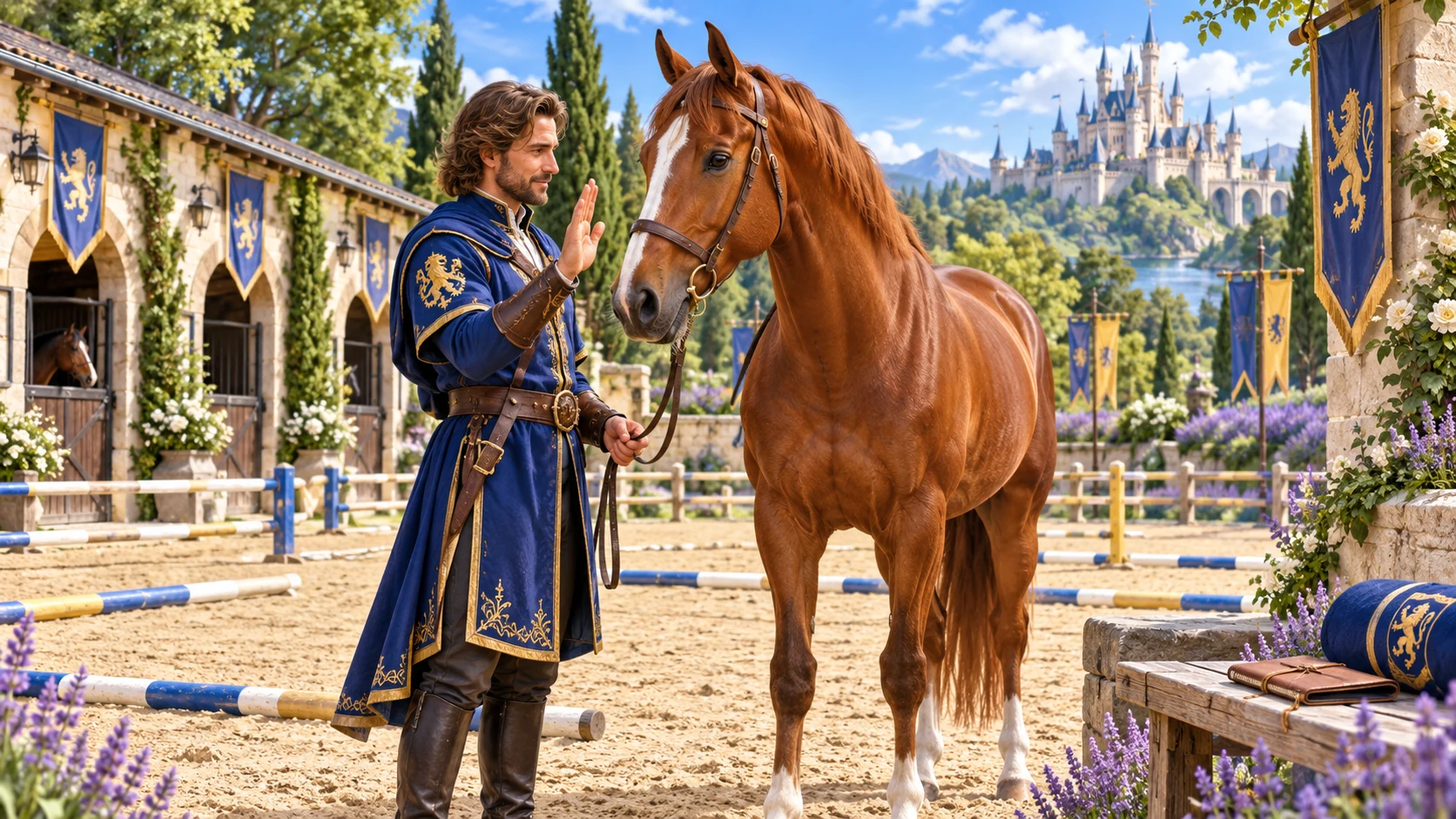
A training plan with purpose
Bring fictional animal training into the campaign with clear requirements and records.
Record age, stage, size, roles, equipment and prior learning.
Explore commands, companionship, working roles and fantasy specialisms.
Consider maturity, prerequisites, facilities and equipment.
Retain the plan, schedule, progress and outcomes for later review.

Prepare the animal’s learning
The illustration represents fictional campaign preparation, not an application screen or generated image output.
Record the animal’s stage, roles and prior learning.
Review programme requirements, equipment and facilities before planning.
From an animal to a training plan
Prepare a plan that fits your campaign and its passage of time.
Record its stage, intended role and prior learning.
Read the requirements and minimum duration before planning.
Consider self-training, trainers, waits, gold costs and facilities.
Set place, pace and start date; review and save the plan.
Your campaign training toolkit
Review requirements, trainers, schedules and progress together.
Record age, stage, size, roles and prior learning for the animal in your campaign.
Explore foundations, commands, companionship, working roles and fantasy specialisms.
Consider maturity, prerequisites, facilities and equipment before choosing the programme.
Review self-training and professional options, including fictional trainers and their specialties.
Compare minimum durations, schedules, trainer waits and gold costs as campaign planning information.
Choose the pace, place and start date, then review the training plan.
Record campaign-time progress and outcomes, pause or resume a plan, and revisit prior learning.
Save standalone projects and export reviewed plans, schedules, trainer comparisons and training sheets.
Different roles, different preparation
Choose the kind of learning the campaign needs.
Plan early learning, familiar commands and companionship.
Review the requirements for useful fictional tasks.
Develop a schedule for the roles your campaign calls for.
Use specialist programmes within your table’s chosen rules.
Keep the learning record useful
Review progress and adjust the preparation as the story develops.
Keep notes on training time and outcomes.
Return to the plan when the campaign schedule allows.
Review commands, prior training and role-readiness records.
Save, reopen, rename or duplicate standalone projects.

A training plan to keep
Review the plan, schedule and trainer comparison.
Keep commands, progress and role-readiness records.
Review a player training sheet before sharing.
Fictional training for your campaign
Keep the preparation and its context clear.
Trainer availability, waiting times and gold costs are fictional estimates.
Review requirements, progress and outcomes within your campaign’s rules.
Separate products cover animal creation, care and live encounters.
Review training sheets and exports before giving them to players.
Choose your generator access
The current USD catalogue lists Animal Training & Trainer Generator as available. Review the current account offer when choosing access.
Choose Animal Training & Trainer Generator as your selected standalone generator for US$1.99 per month.
Select this generator within an eligible pack. Pack capacity and current pricing are shown in your account.
Other generators, Battlemaps and image-credit products have their own access arrangements. They are not included automatically.
Create a free account, choose the required generator access and use Desktop Command Centre on Windows.
VISINVOKE means value
A focused tool for fictional campaign animal training.

Choose the learning the animal needs for its fictional role.
Review prerequisites, trainers, duration and facilities.
Keep standalone projects and revisit their schedules.
Review progress, commands and outcomes as the campaign develops.
Build your tabletop toolkit
Each card opens its own product website. Review purpose and access separately; related products do not promise included access or automatic synchronisation.

Open your VISINVOKE products from Windows.

Prepare fictional mishaps around a developing scene.

Build the wider setting around your campaign.

Develop the places your party travels through.

Explore separate adventure environments.
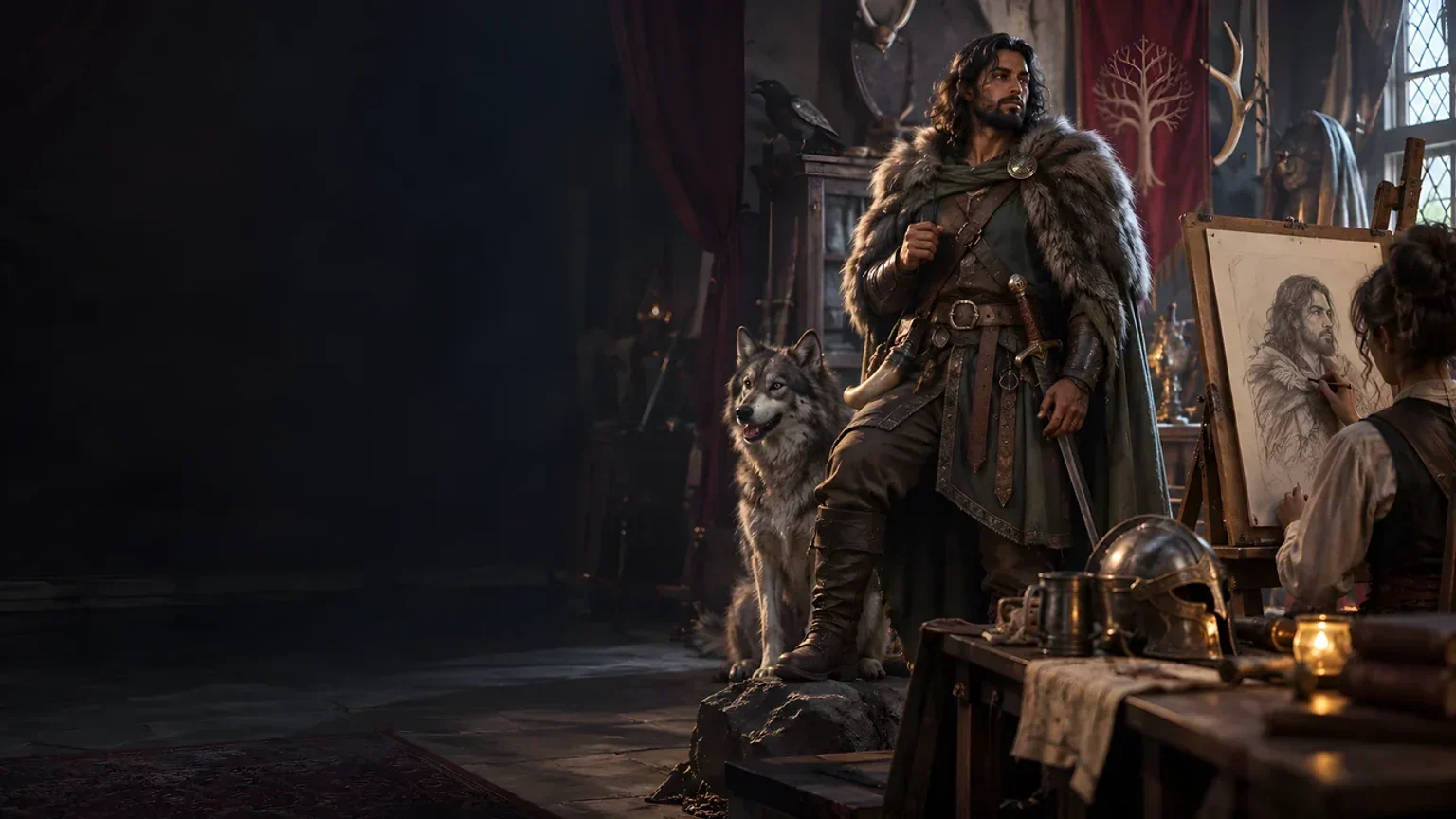
Explore separate fantasy image creation.
Product artwork illustrates fictional scene preparation, not application screens or actual generated image output.
Quick answers
Understand programmes, trainers, schedules, records and access.
Prepare training for fictional campaign animals, from first commands to specialist roles. Review programmes, requirements, trainer options, time and gold estimates, schedules and progress records.
The current USD catalogue lists US$1.99 per month for one selected standalone generator. Animal Training & Trainer Generator can also be selected through eligible generator packs. A VISINVOKE account and required generator access are needed; other products have separate access arrangements.
Review self-training alongside generated professional trainer options, specialties and tiers. Trainer availability, waits and gold costs describe your fictional campaign; they are not real-world bookings or quotations.
Check the animal’s maturity, prior learning, programme prerequisites, minimum duration, facilities and equipment. Use the estimates and schedule within your campaign’s rules.
Save standalone projects, reopen and revise them, and retain versions. Review campaign-time progress, pause or resume the plan, and record outcomes as the story develops.
Export reviewed plans, schedules, trainer comparisons, commands, role-readiness records and player training sheets. Keep a standalone JSON backup when needed. Review the records before sharing; related products have separate purposes and access.
Continue in VISINVOKE
Create a free VISINVOKE account and choose the required generator access.
Get Desktop Command Centre from your account installer page. Sign in on Windows, then open Animal Training & Trainer Generator.